TuroBot
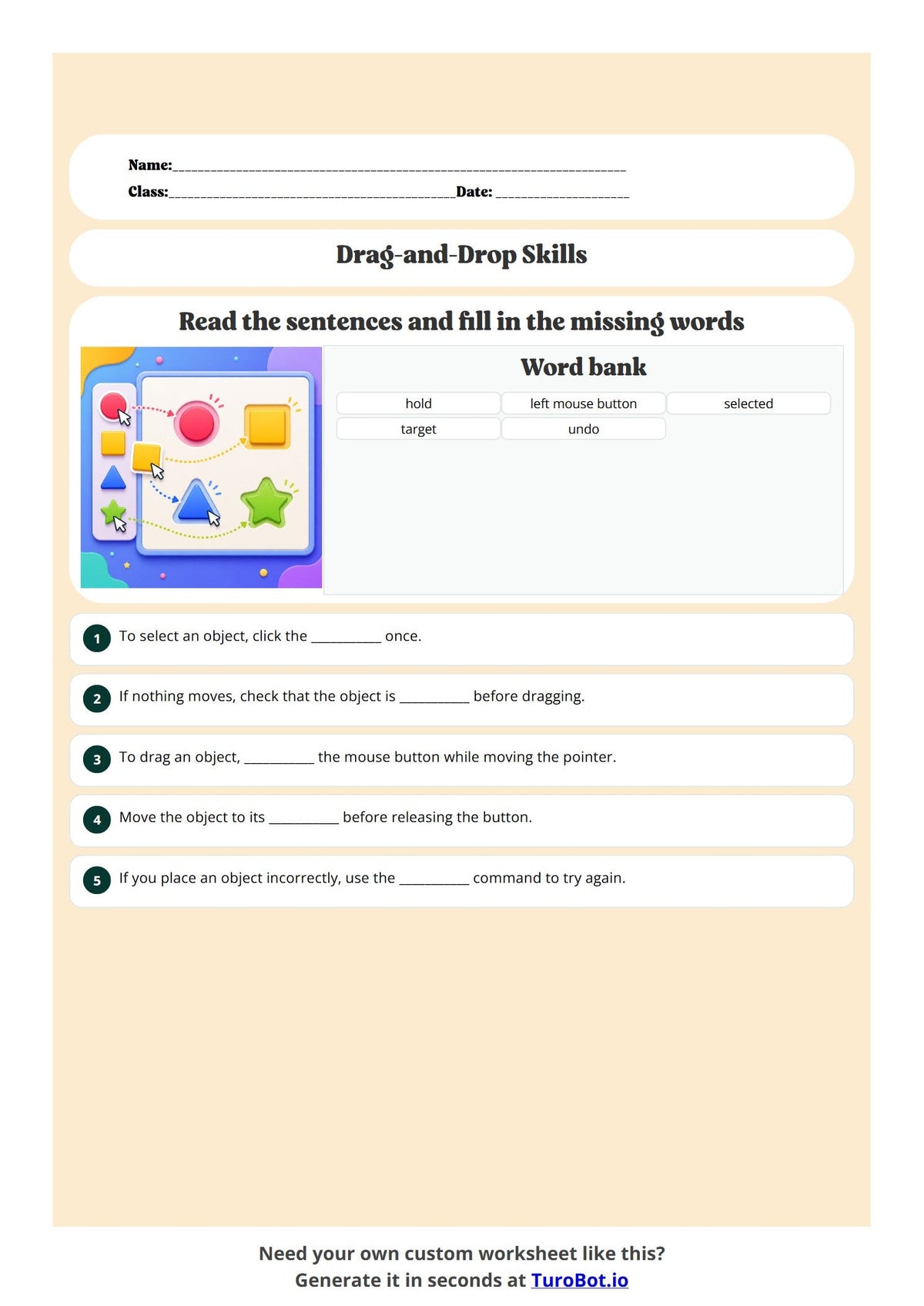
Free Year 4 Computer Science/Information Technology Worksheet – Click-and-drag troubleshooting selecting, moving, and placing objects accurately | Fill In The Blanks
Free Year 4 Computer Science/Information Technology Worksheet – Click-and-drag troubleshooting selecting, moving, and placing objects accurately | Fill In The Blanks
Free Year 4 Computer Science/Information Technology Click-and-drag troubleshooting selecting, moving, and placing objects accurately Fill In The Blanks Printable PDF
This free printable Year 4 Computer Science/Information Technology fill in the blanks worksheet focuses on Click-and-drag troubleshooting selecting, moving, and placing objects accurately. Teachers can use it for classroom practice, revision, homework or independent learning.
What students practise
- Using context and key vocabulary to complete sentences
- Understanding and reviewing Click-and-drag troubleshooting selecting, moving, and placing objects accurately
- Building confidence through focused fill in the blanks activities
Worksheet details
- Subject: Computer Science/Information Technology
- Year level: Year 4
- Topic: Click-and-drag troubleshooting selecting, moving, and placing objects accurately
- Activity: Fill In The Blanks
- Format: Printable PDF
Ways to use this worksheet
Use this Year 4 Computer Science/Information Technology resource for a lesson starter, independent practice, small-group teaching, tutoring, revision or homeschool learning. Preview the PDF to check the questions and activities before downloading.
Free printable worksheet download
Access the free PDF through this worksheet page. You do not need Turobot Pro to download worksheets in the free library.
Want to make your own worksheet?
Need a different year level, topic or difficulty? Create a customised printable worksheet with Turobot Pro.
Share